On this page
Kusto Detective Agency's Call of the Cyber Duty challenge is a story-driven cyber investigation game built around Kusto Query Language. Each case gives you a new investigation scenario, a dataset to explore, and a problem to solve using KQL.
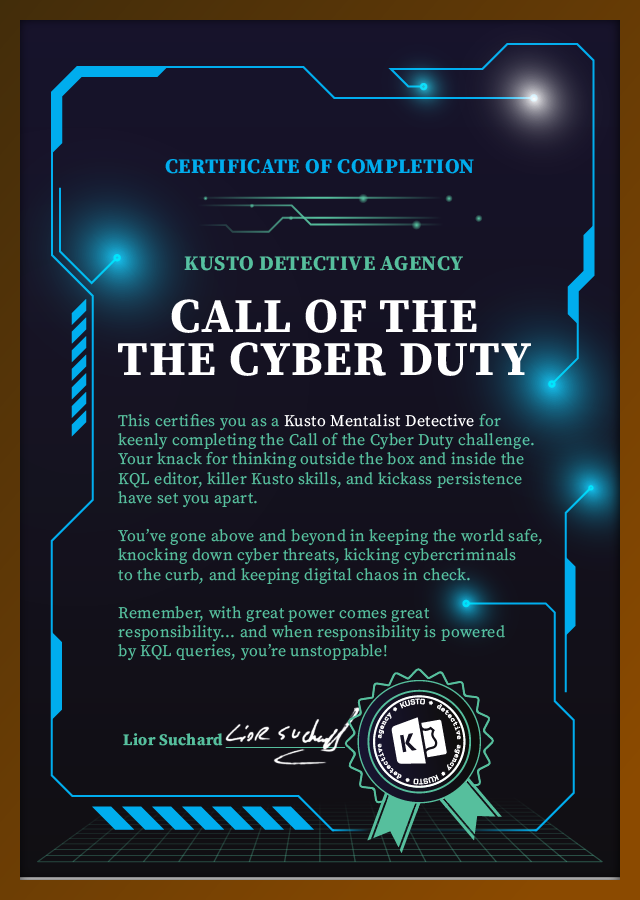
I completed all 10 cases, earned the full badge set, and received the certificate of completion as a Kusto Mentalist Detective.
Spoiler-free writeup. I am not publishing case answers, flags, or exact solution queries. This page focuses on the investigation workflow, KQL skills practiced, and how the challenge connects to SIEM analysis and threat hunting.
Project Overview#
| Challenge | Kusto Detective Agency — Call of the Cyber Duty |
| Focus | KQL, structured data investigation, telemetry analysis, and cyber case solving |
| Status | Completed all 10 cases |
| Outcome | Earned all badges and certificate of completion |
| Tools Used | Kusto Query Language, Azure Data Explorer / Kusto query environment, structured datasets, browser-based challenge portal |
The challenge is organized like a cyber investigation campaign. Each case builds on a narrative and requires you to query data, identify patterns, correlate evidence, and submit the correct answer before moving to the next case.
What made it valuable is that it was not just about writing queries. It was about reading the scenario carefully, understanding what the data was telling me, and figuring out what question to ask next.
Completion Certificate#
Badges Earned#
Each completed case awarded a digital badge. I earned all 10 badges from the challenge, giving me a complete visual record of progress across the full investigation path.
How the Challenge Works#
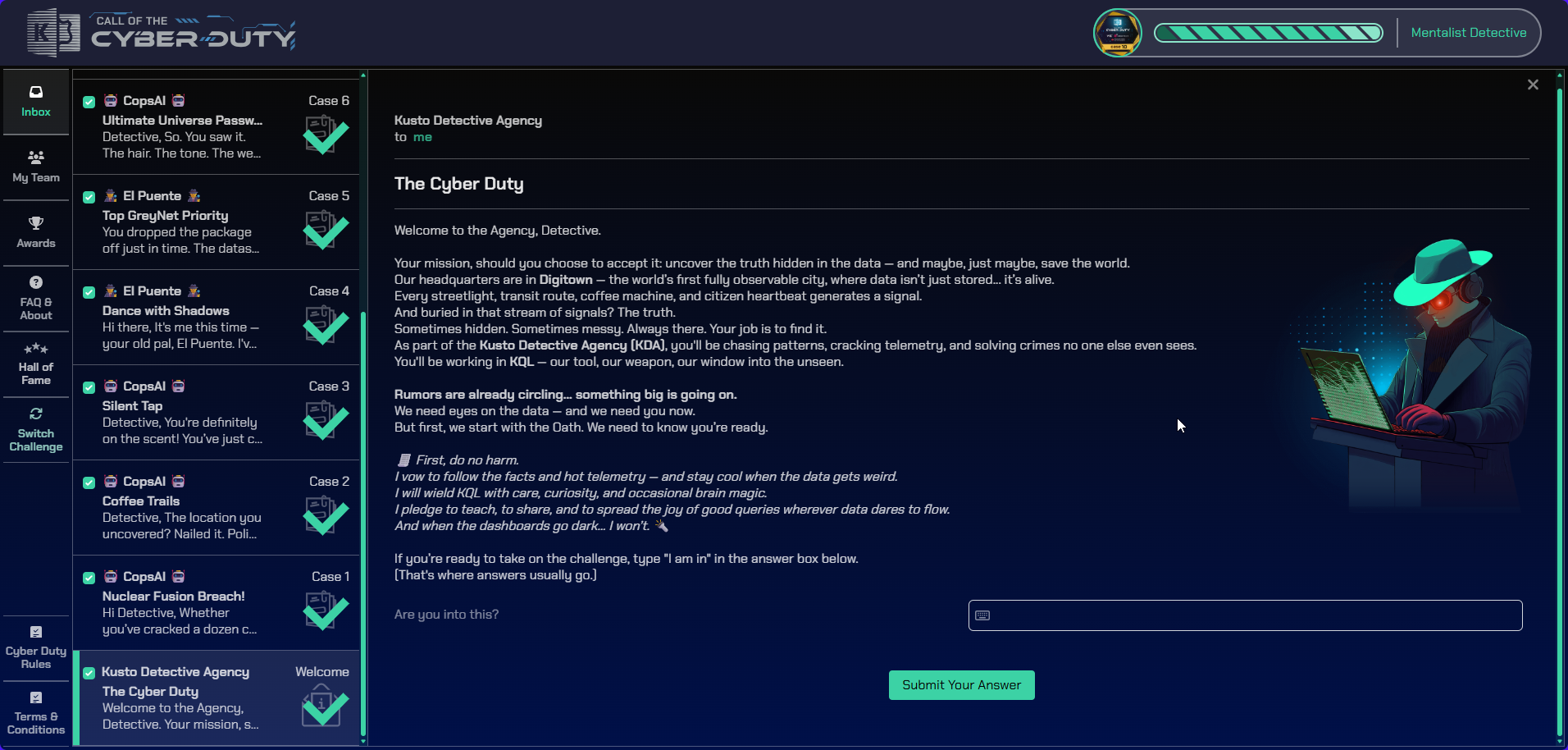
Call of the Cyber Duty is structured as a sequence of investigation cases. Each case gives you a prompt, a scenario, and access to data that must be explored using KQL.
The basic flow looks like this:
- Read the case prompt and understand the objective.
- Open the Kusto query environment.
- Explore the available tables and fields.
- Query the data to identify useful clues.
- Correlate evidence across records, timestamps, entities, and patterns.
- Submit the answer to unlock the next case.
The cases get more difficult as you progress, which makes the challenge feel similar to a CTF-style investigation. The difference is that instead of reverse engineering binaries or exploiting systems, the work happens through data analysis and query logic.
Sanitized Case Screenshots#
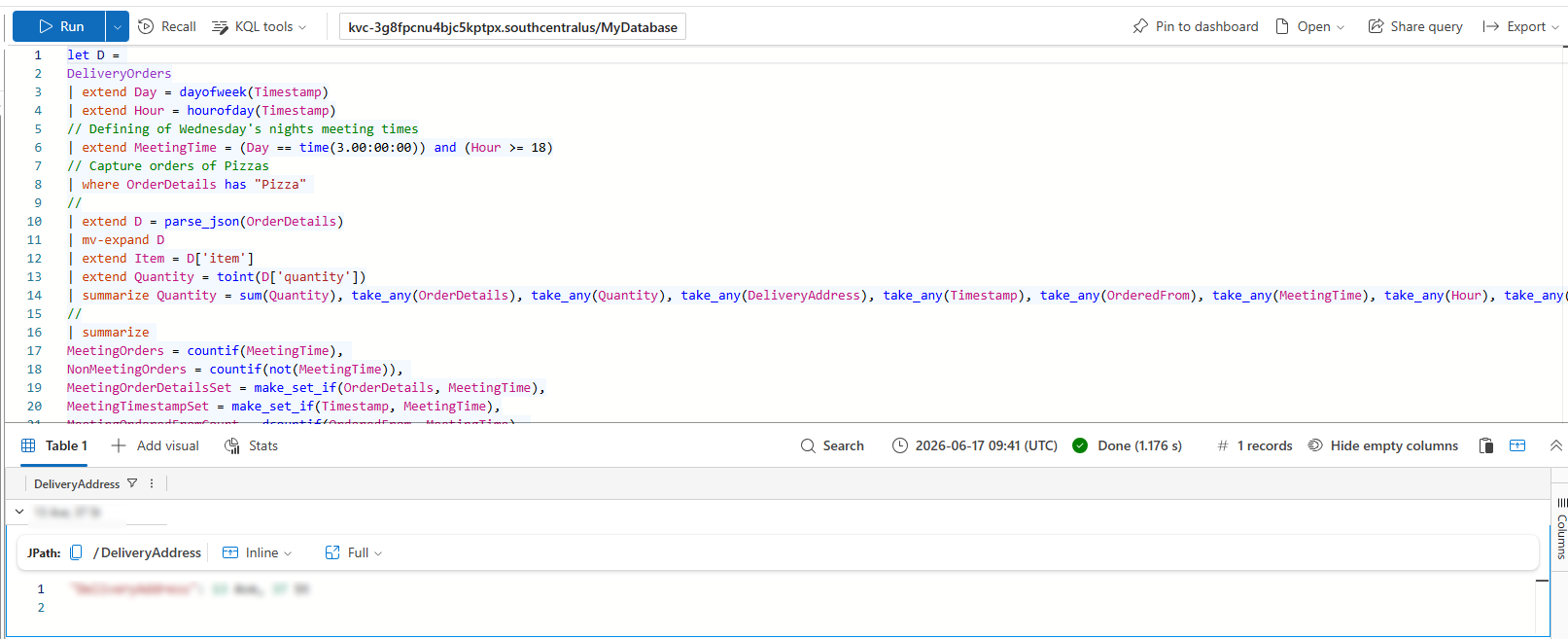
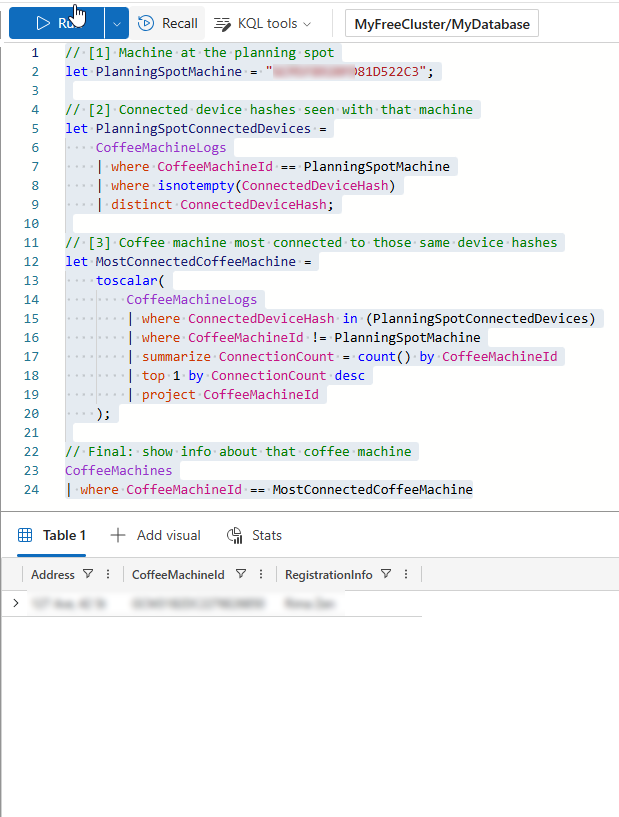
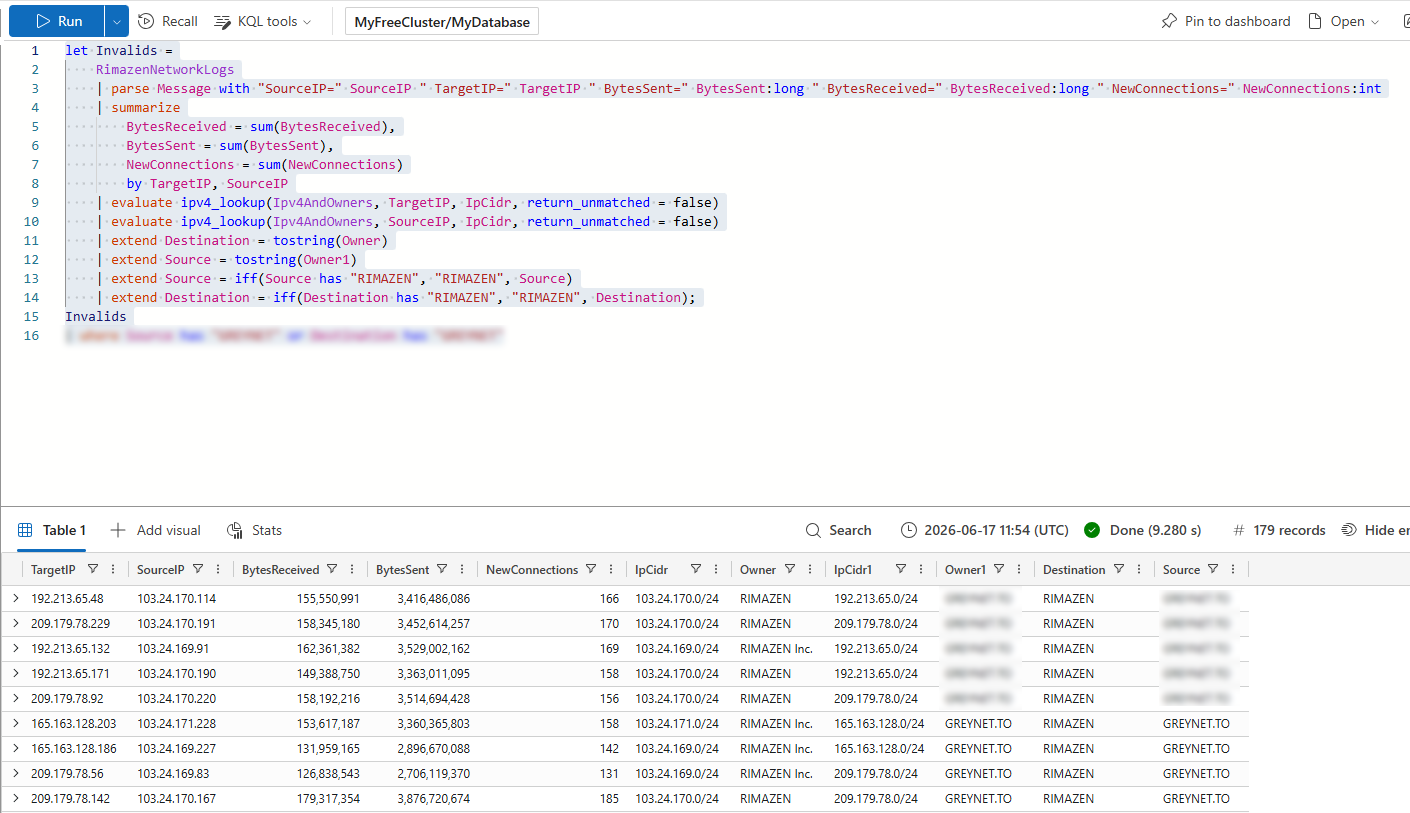
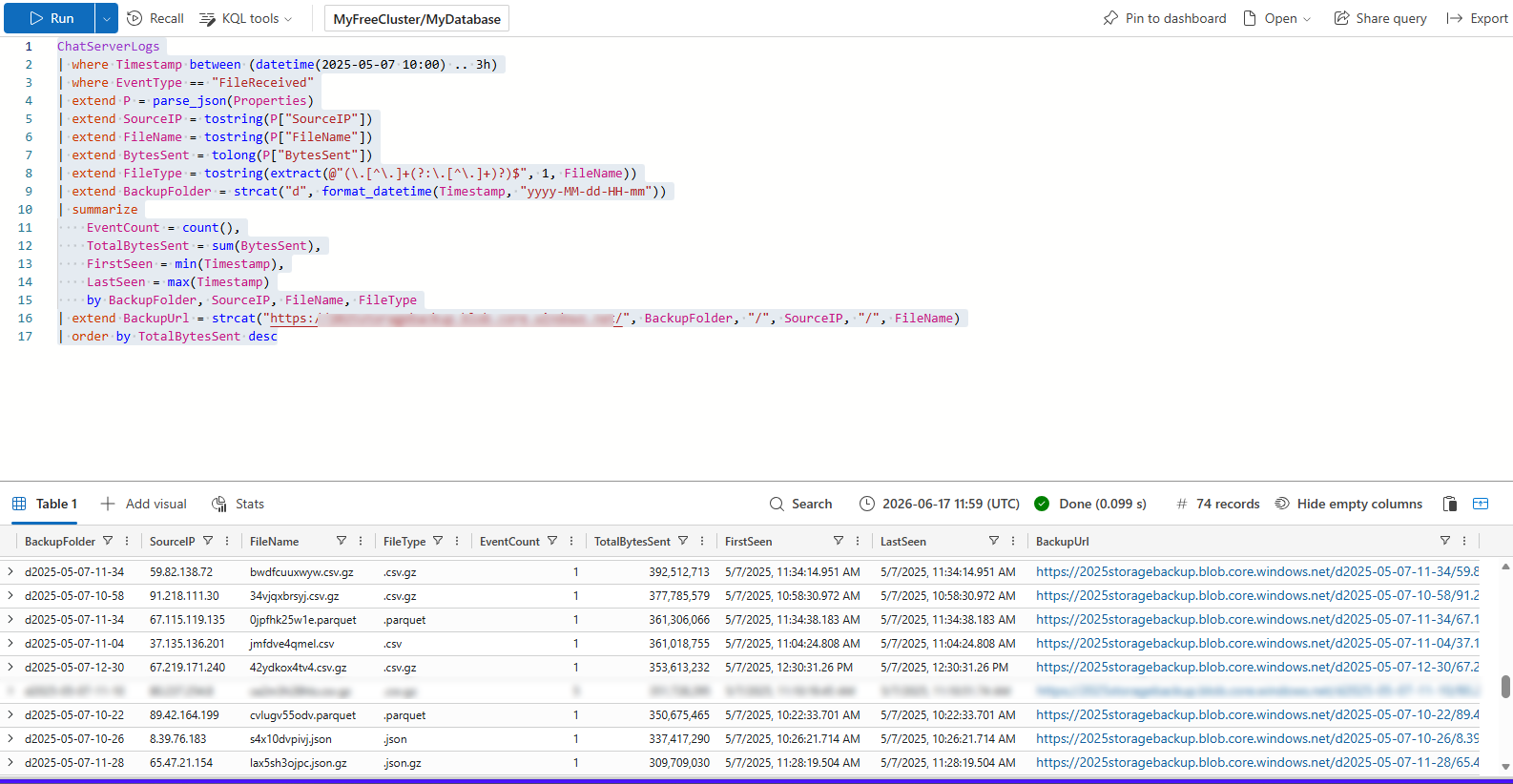
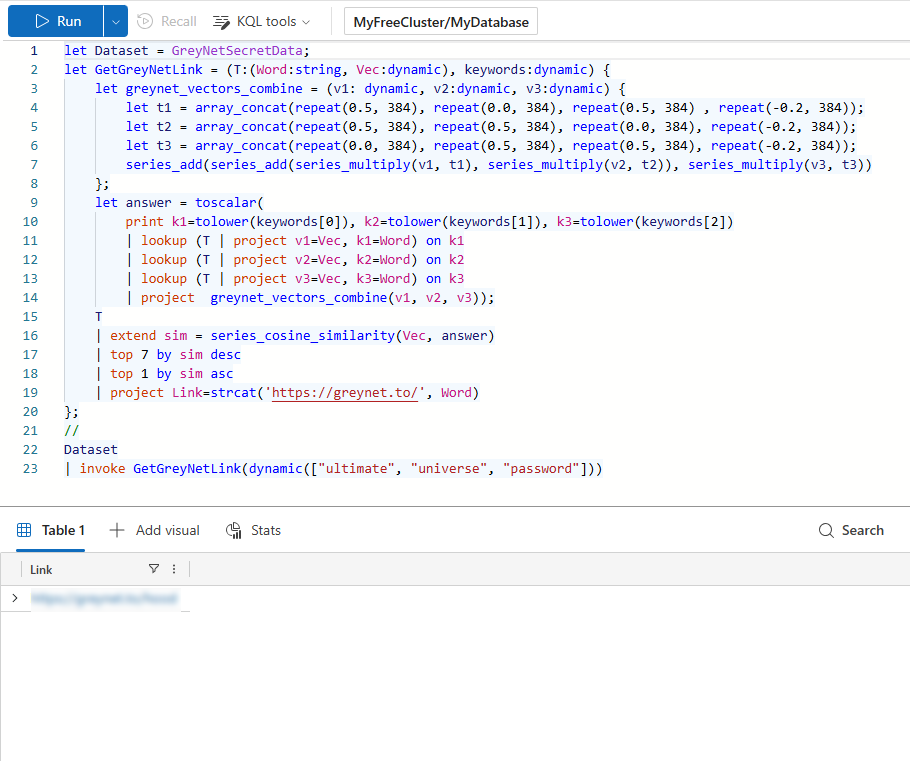
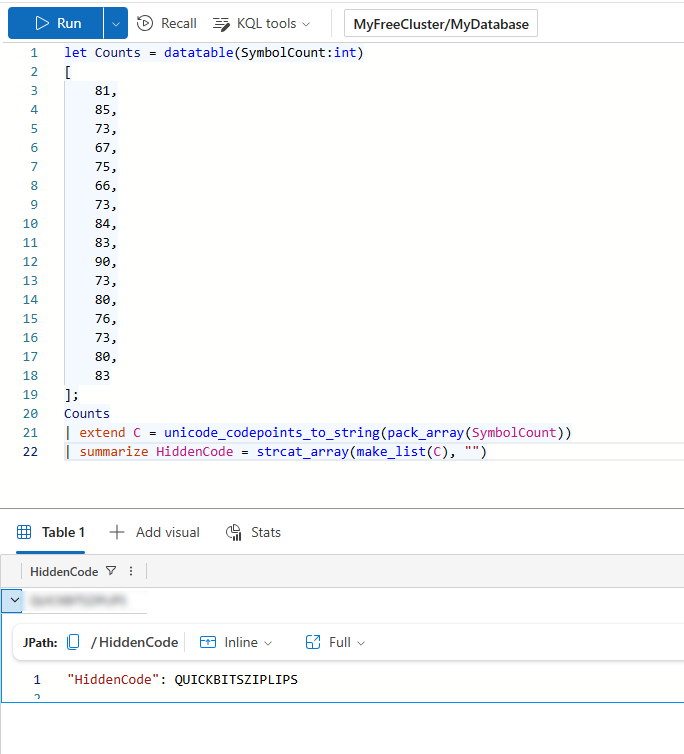
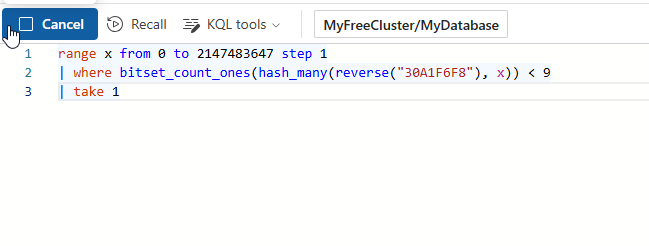
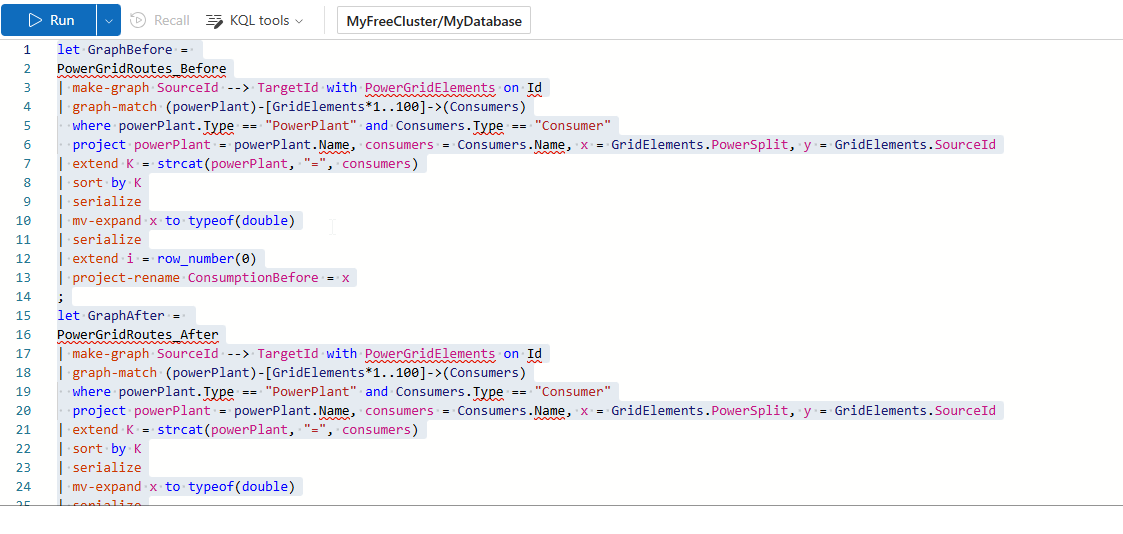
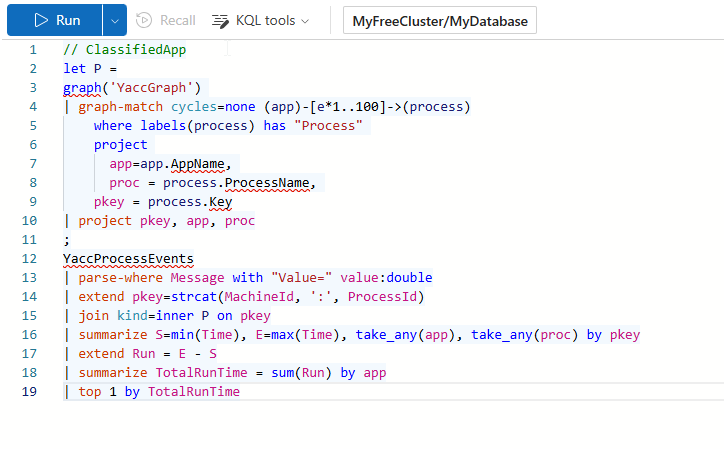
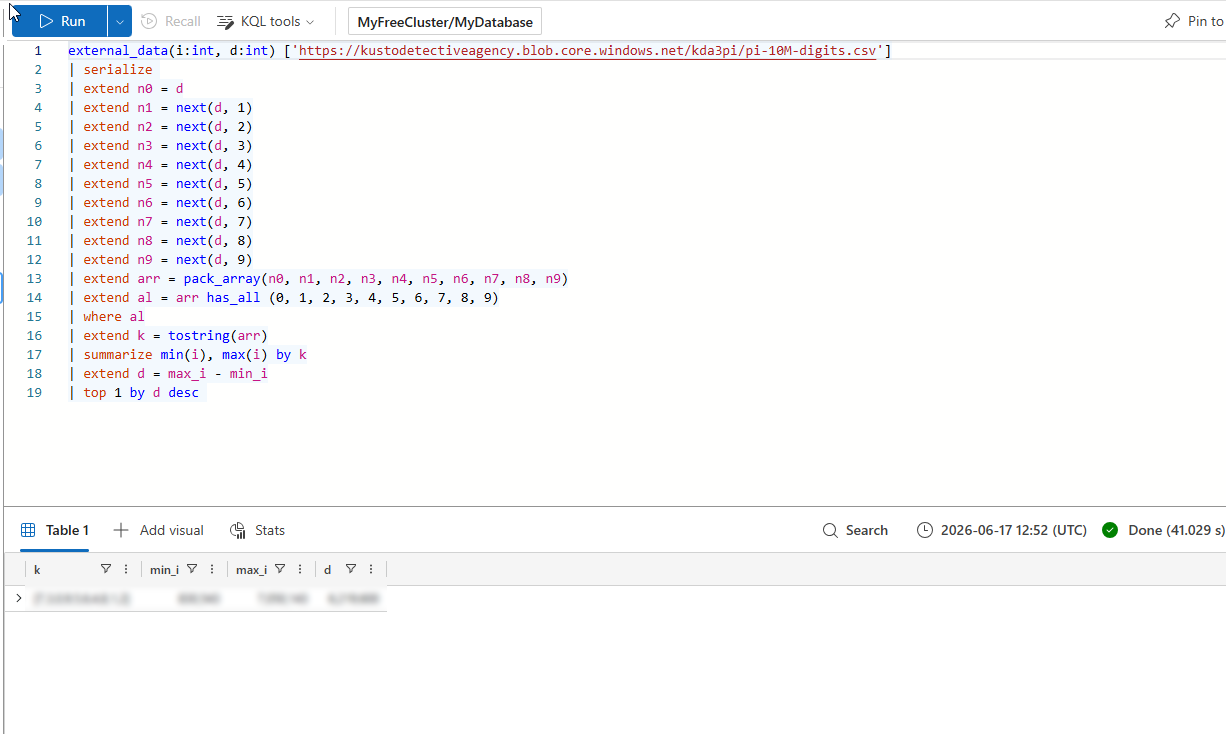
I kept the full solution queries and answers out of the public writeup, but I still wanted to show evidence of the hands-on KQL work behind each completed case. The screenshots below are placeholders for sanitized query-workspace captures from each case.
Sanitization checklist before publishing: blur or crop anything that reveals the answer, the final result row, the cluster URI, case-specific flags, or exact solution-only comments.
Tools and Environment#
The challenge uses a Kusto cluster as the investigation workspace. The Kusto cluster URI acts as the login method, and the cases are solved by querying the provided data.
I used KQL to investigate the datasets and work through each case. The challenge can be approached through tools such as:
- Azure Data Explorer Web UI
- Real-Time Analytics KQL Queryset
- Kusto Explorer
- Browser-based Kusto Detective Agency portal
The important part is not the specific interface. The important part is being able to explore unfamiliar data and turn raw records into meaningful evidence.
Investigation Methodology#
I treated each case like a small investigation instead of jumping straight into random queries.
My general workflow was:
- Understand the prompt. I started by reading the case text carefully and identifying what the challenge was actually asking for.
- Inspect the data. Before filtering too aggressively, I looked at table names, column names, sample records, timestamps, and possible relationships.
- Start broad. I used exploratory queries to understand the dataset and find patterns, outliers, and useful fields.
- Narrow the scope. Once I had a direction, I filtered by time, entity, event type, user, system, or other fields that seemed relevant.
- Correlate clues. Several cases required connecting multiple pieces of evidence instead of relying on one obvious record.
- Validate before submitting. Before entering an answer, I tried to verify that the result matched the story and the data.
This process is very similar to how I approach SIEM investigations: start wide, identify signal, reduce noise, and keep refining the question until the evidence makes sense.
KQL Skills Practiced#
The challenge helped reinforce practical KQL skills that apply directly to Microsoft Sentinel, Azure Data Explorer, Microsoft Defender, and Microsoft Fabric Real-Time Analytics.
- Filtering large datasets with
where - Selecting useful fields with
project - Sorting and prioritizing results with
order by - Counting and grouping activity with
summarize - Creating time buckets with
bin() - Building timelines from event data
- Correlating data across tables with
join - Extracting values from strings with parsing functions
- Looking for outliers and unusual patterns
- Iteratively refining queries as new clues appeared
Example KQL Patterns#
The examples below are generic practice patterns only. They are not challenge answers and do not reveal any case solutions.
Counting Events by Entity
TableName
| summarize EventCount = count() by Entity
| order by EventCount desc
This type of query is useful when trying to identify which users, hosts, IPs, or other entities appear most often in a dataset.
Building a Timeline
TableName
| where Timestamp > ago(24h)
| summarize Events = count() by bin(Timestamp, 1h)
| order by Timestamp asc
Time-based analysis is important when investigating activity patterns, spikes, or sequences of events.
Filtering for Suspicious Activity
TableName
| where ActionType == "SuspiciousActivity"
| project Timestamp, Entity, ActionType, Result
| order by Timestamp desc
A focused filter helps reduce noise and keep only the records that matter to the investigation.
Correlating Two Tables
TableA
| join kind=inner TableB on CorrelationId
| project Timestamp, Entity, Action, Result
Joins are useful when one table contains the event and another table contains the context needed to understand it.
Extracting Useful Values
TableName
| extend ExtractedValue = extract(@"pattern", 1, RawText)
| summarize Count = count() by ExtractedValue
| order by Count desc
Parsing and extraction are useful when important data is buried inside longer text fields.
What I Learned#
The biggest takeaway was that KQL is not just about syntax. It is about investigation.
A good query starts with a good question. If the question is too broad, the result is noisy. If the question is too narrow too early, it is easy to miss important evidence. The challenge forced me to balance both sides: explore widely enough to understand the data, then narrow down carefully once the evidence started to point somewhere.
I also got more comfortable with the idea that investigation is iterative. Many cases required multiple attempts, new assumptions, and revised queries before the pattern became clear.
That is exactly what happens in real blue-team work. You rarely start with the perfect query. You start with a lead, test it, adjust, and keep going.
Connection to Microsoft Sentinel and Threat Hunting#
This project connects directly to my Microsoft Sentinel honeypot project.
In Sentinel, KQL is used to query security telemetry, investigate incidents, build detections, and support threat hunting. Kusto Detective Agency gave me another way to practice those same skills in a challenge environment.
The Sentinel honeypot project helped me practice collecting and analyzing real Windows authentication telemetry. This challenge helped me sharpen the investigation side of KQL: exploring data, building hypotheses, and finding the right path through unfamiliar datasets.
Together, they reinforce the same core skill: using queries to turn raw data into evidence.
What I Would Do Differently Next Time#
If I replay the challenge or complete another Kusto Detective Agency challenge, I would document my process more carefully while solving each case.
Since I completed this one before writing the project page, I do not have my original query history or notes for every case. In the future, I would keep a spoiler-free investigation journal with:
- The investigation goal for each case
- The KQL concepts used
- Mistakes or dead ends
- Key lessons learned
- Sanitized query patterns that do not reveal the answer
That would make the final writeup even stronger without spoiling the challenge for others.
Outcome#
By completing Call of the Cyber Duty, I:
- Completed all 10 cases
- Earned the full badge set
- Received the certificate of completion
- Practiced KQL in a hands-on investigation environment
- Strengthened my ability to explore unfamiliar datasets
- Improved my understanding of timeline analysis, joins, summarization, and pattern recognition
- Built another portfolio project that connects directly to SIEM analysis, detection engineering, and threat hunting
This was a fun and practical way to keep building KQL confidence outside of a traditional lab. It also reinforced something I keep seeing across security projects: tools matter, but the investigation mindset matters more.